How to Set Up Communications Without Commercial Phone Service
Build a layered system for local voice, property-wide text, official alerts, and an outside-world emergency path—without pretending one radio solves every range problem.
Outdoor Tech Index Editorial Team · Updated 2026-08-17 · 16 min read
Quick Answer
Safety and scope
Radio capability does not guarantee emergency help. Terrain, antenna position, interference, licensing, subscriptions, battery state, and user training all matter. Never delay calling 911 when working telephone service is available. Verify U.S. FCC rules and any rules in the country where equipment will be used.
Design by communication job, not advertised range
List who must communicate, where each person may be, how quickly a message must arrive, whether it needs to reach the public network, and what infrastructure can fail. Local voice and global SOS are different jobs. Radio range is governed heavily by terrain, obstructions, antenna height, frequency, and installation; a package claim measured in ideal conditions is not a property guarantee.
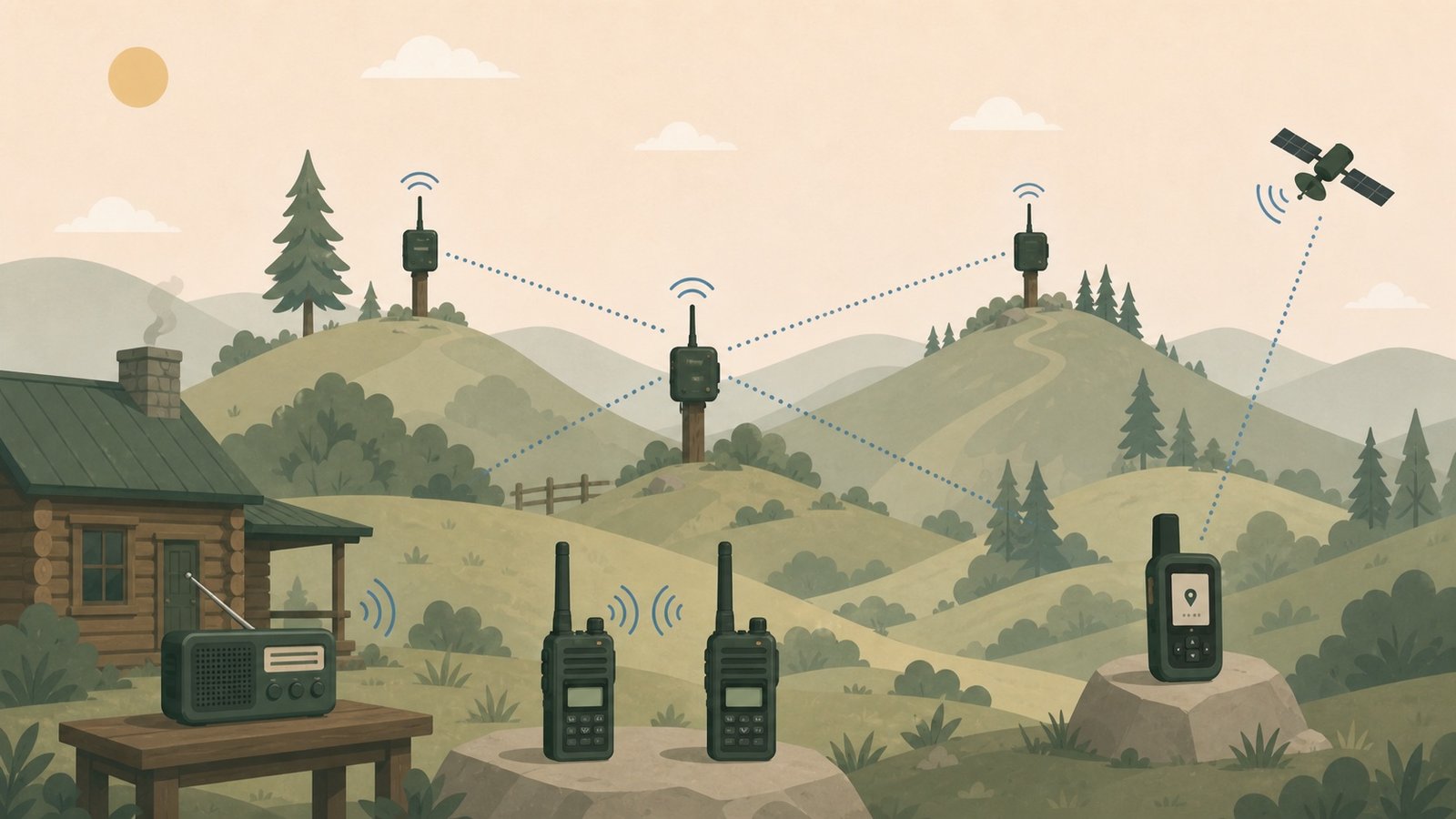
Worked example: A practical stack for a rural household might use two to four GMRS handhelds for chores and vehicle spotting, one elevated base or mobile radio for broader local coverage, three Meshtastic nodes placed at the house, work area, and tested high point, a SAME-capable weather receiver indoors, and one active satellite communicator assigned to whoever travels beyond local coverage.
Build the system in this order
1. Write a communication plan before buying hardware
Define everyday, outage, and emergency scenarios. Decide who calls whom, which channel is primary, what check-in times apply, what words mean urgent help, and where written instructions live. Include children, visitors, neighbors, and anyone who may need simple one-button instructions rather than a radio hobbyist’s menu system.
- ✓ List locations and terrain barriers
- ✓ Choose a primary and backup method
- ✓ Write down emergency contacts and rendezvous points
2. Add an official alert receiver
A NOAA Weather Radio receiver is a one-way information layer, not a way to talk. Choose a receiver that covers the seven NWR frequencies; for overnight alerts, prefer a Public Alert or NOAA All Hazards model with SAME county programming and battery backup. Test reception at the exact indoor location and program only the areas and alert types your plan needs.
- ✓ Find the nearest NWR transmitter
- ✓ Program SAME location codes
- ✓ Keep fresh backup batteries beside the radio
3. Build the local voice layer with GMRS
GMRS is useful for immediate voice among people carrying compatible radios. In the U.S., GMRS generally requires an individual license that extends to eligible immediate family members; confirm current FCC rules. Standardize channel names, privacy-code settings, transmit power, and call-sign practice. Privacy codes reduce what the speaker opens for—they do not encrypt the conversation.
- ✓ Apply for the required license
- ✓ Program every radio identically
- ✓ Put a laminated channel card with each radio
4. Improve antenna position before adding transmit power
Move outside, gain height, clear nearby metal and terrain, and use an antenna designed for the exact band. A vehicle roof can provide a useful ground plane for a mobile antenna. At a fixed property, a properly installed elevated antenna and suitable feed line can outperform another handheld bought for its optimistic range claim. Permanent outdoor antennas require weatherproofing, grounding, lightning planning, and code-aware installation.
- ✓ Range-test from real locations
- ✓ Keep antenna and connector types compatible
- ✓ Route cable without pinch points or water entry
5. Add low-bandwidth mesh text where it solves a real gap
Meshtastic uses low-power LoRa hardware for decentralized text and position data without cell towers or internet. It is not voice, broadband, or guaranteed public-safety communication. Start with two nodes, select the correct regional radio configuration, create a private channel, then add an elevated relay only after field tests show it improves the route. A phone may be used as the interface while its cellular service remains off.
- ✓ Use the legally correct region setting
- ✓ Share channel credentials securely
- ✓ Protect relay nodes from weather and power loss
6. Add an outside-world satellite path
A satellite communicator can exchange messages and trigger an interactive SOS beyond cell and local radio coverage, but it needs an active plan, a view of the sky, a charged battery, and a completed account profile. Pair it, update it, send test messages, and make sure family members understand that the phone app is an interface—the satellite device is the actual network link.
- ✓ Activate and verify the subscription
- ✓ Set emergency contacts and medical details
- ✓ Send a real test from a no-cell location
7. Create a resilient charging plan
Standardize USB cables where possible, label every battery and charger, and calculate how many complete radio and messenger charges the backup battery can supply. For fixed nodes, measure actual daily energy use and size solar charging for the worst useful season, not a summer afternoon. Keep at least one device on a chemistry or battery format you can replenish independently.
- ✓ Store cables with each kit
- ✓ Rotate and inspect batteries quarterly
- ✓ Do not charge damaged or swollen lithium batteries
8. Run a no-cell drill and keep a range map
Put phones in airplane mode, disable home internet, and attempt the full plan. Record where handheld voice works, where mesh routes fail, how long satellite messages take, and whether alert radio reception is reliable. Mark successful locations on a paper map and repeat after foliage changes, construction, or antenna changes.
- ✓ Practice concise message formats
- ✓ Log failed as well as successful contacts
- ✓ Repeat the drill at night or in poor weather safely
A layered no-cell communications package
Buy the local voice and alert layers first. Add mesh when you have known local coverage gaps, and add satellite when the plan must reach outside the radio footprint.
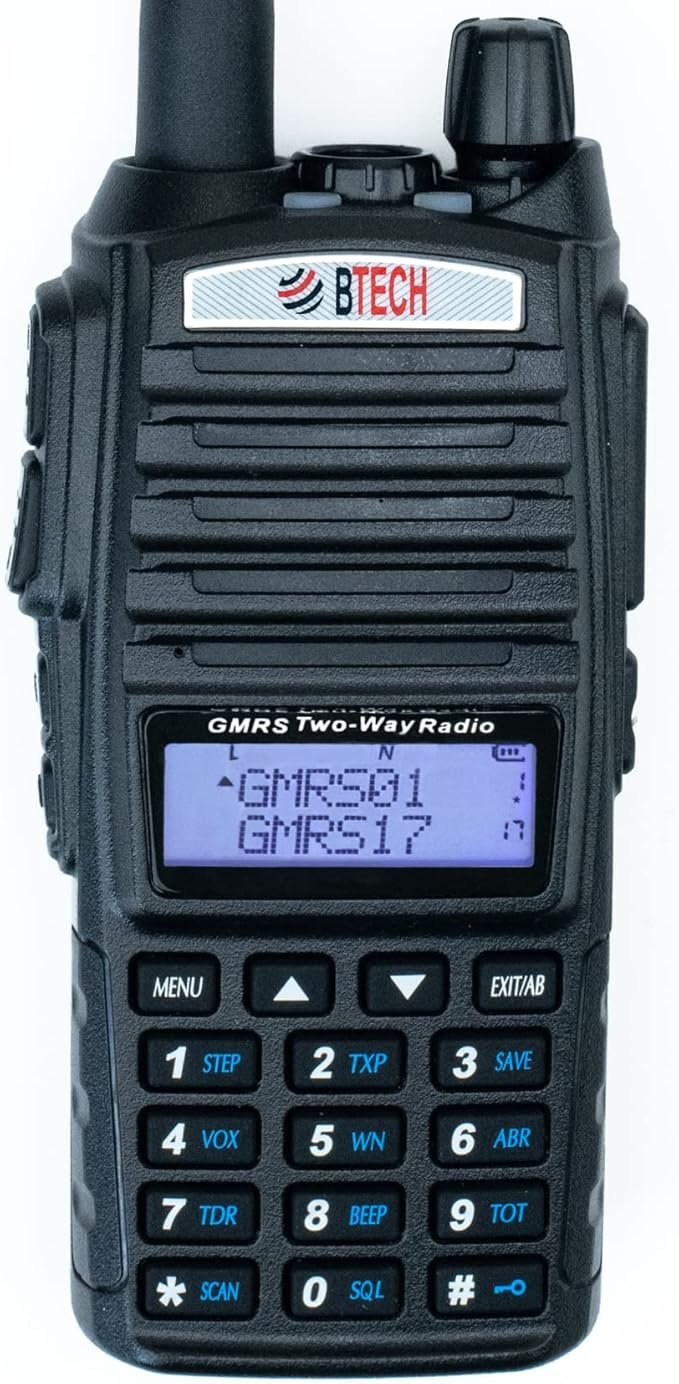
BTECH GMRS-V2 handheld pair
Local voice
Start with at least two identically programmed radios. The system only works when the other person has compatible, charged equipment and knows the channel plan.
View product →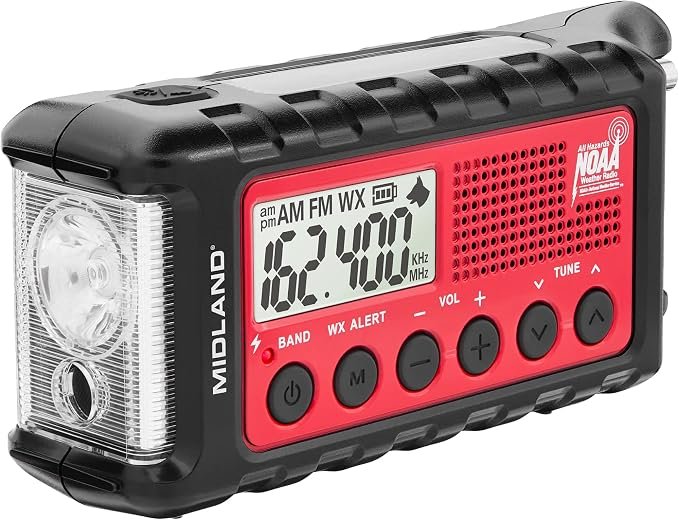
Midland ER310 Emergency Radio
Official alerts and receive-only backup
Adds NOAA Weather Radio reception with multiple charging options. Verify local transmitter reception and keep its battery-maintenance routine separate from the two-way radios.
View product →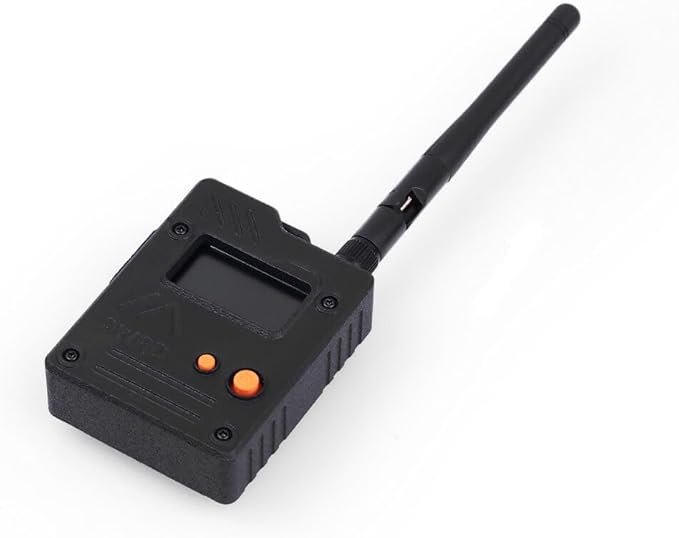
Two or three Wio Tracker L1 Pro nodes
Property and group mesh text
A practical Meshtastic hardware reference for tested low-bandwidth text coverage. Buy nodes as a network, not one isolated gadget.
View product →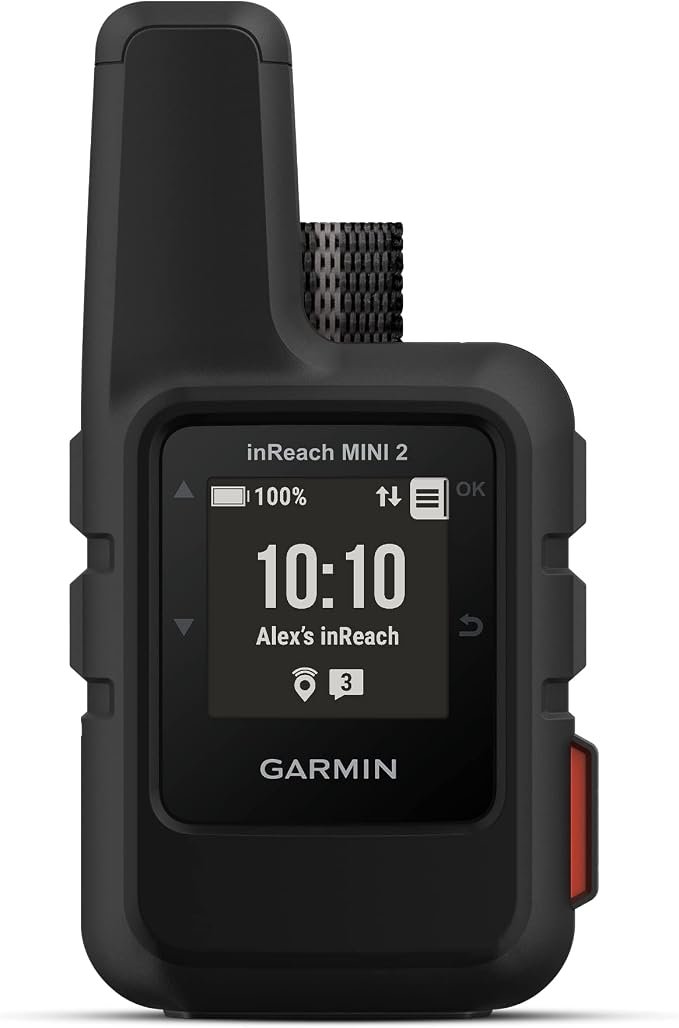
Garmin inReach Mini 2
Outside-world messaging and SOS
Adds a satellite path when local systems cannot reach help. Satellite features require an active subscription and open-sky testing.
View product →Outdoor Tech Index may earn a commission when you buy through links on this page. This does not affect the price you pay.
Maintenance schedule
- Run a scheduled radio check and satellite test message every month or before each trip.
- Update device firmware and apps deliberately, then re-test saved channels and pairings.
- Inspect antennas, coax, weather seals, mounts, battery contacts, and charging cables quarterly.
- Recheck the range map after leaf-on/leaf-off changes, new buildings, or relay relocation.
- Review licenses, subscriptions, emergency contacts, and quick-reference cards at least annually.
Common mistakes
- Buying radios from a maximum-range claim without testing terrain and antenna position.
- Treating CTCSS/DCS privacy codes as secure or private communication.
- Relying on one elevated mesh node without a power, weather, or access plan.
- Leaving a satellite communicator unactivated until the day it is needed.
- Assuming a smartphone paired to a mesh or satellite device means the phone itself has independent service.
- Owning equipment without a written channel plan or practice drill.
Frequently asked questions
+Can GMRS replace a phone?
It can replace local push-to-talk voice within a tested radio footprint. It does not provide a private number, internet access, guaranteed range, or a dependable path to distant emergency services.
+Does Meshtastic need the internet?
No for local mesh messaging. Compatible LoRa nodes can relay messages without cell towers, Wi-Fi, or internet, though a phone is commonly used as the local interface to a node.
+Will a satellite messenger work indoors?
Performance is best with a broad view of the sky. Buildings, terrain, and heavy canopy can delay or prevent a connection. Test from the real locations where the device may be used.
+Do I need all four layers?
No. Start with the communication jobs. A household that never leaves local radio range may not need satellite; a solo remote traveler may value satellite before a property mesh. The point is to avoid asking one device to do every job.
Primary sources
This is a research-based system guide, not a report of hands-on testing. Product specifications and regulations can change; confirm current documentation and local requirements before buying or installing.